How do I place a Hong Kong stock order?
To place a Hong Kong stock order, please follow these steps:
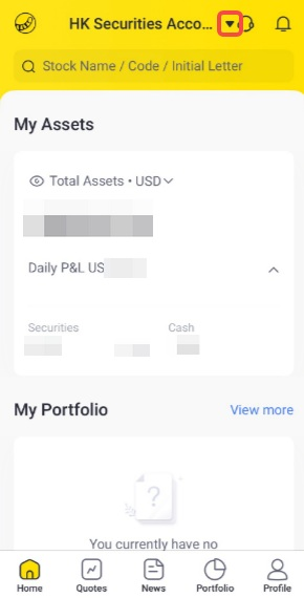
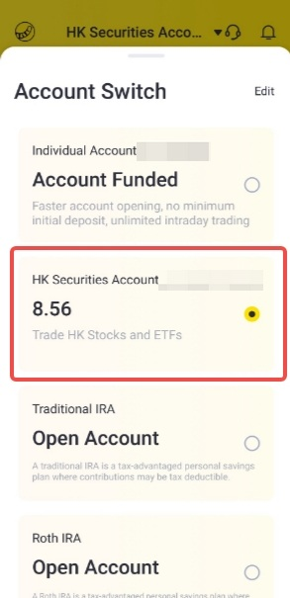
- On the Home page, switch to your HK Securities Account from the dropdown menu at the top of the page.
- Search the desired Hong Kong stock.
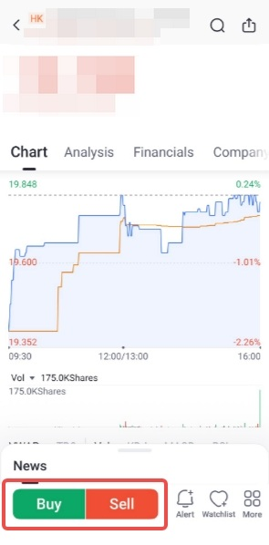
- Click Buy or Sell and enter the applicable order details.
- Review your order details and submit the order.
Still got questions? Contact TradeUP Customer Support by email at support@tradeup.com or reach out to us on Live Chat!
Last updated: